
请输入
菜单
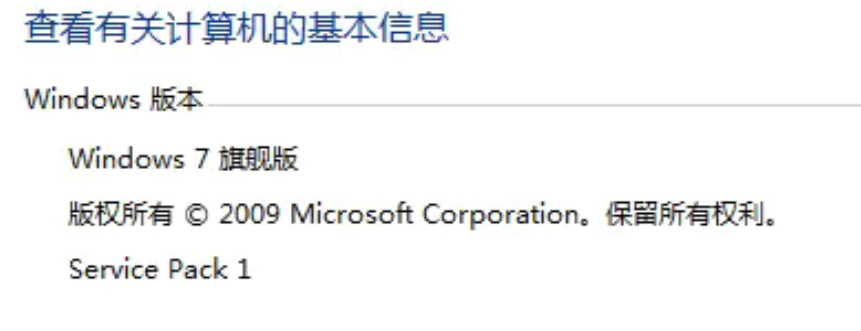
WINDOWS7系统 2009 SP1 DLL load failed while importing base:参数错误
问题描述:
WINDOWS7系统 2009 SP1 在运行模块时,提示参数错误。
安装官方3.8时,提示需要升级。
ImportError: DLL load failed while importing base:参数错误。
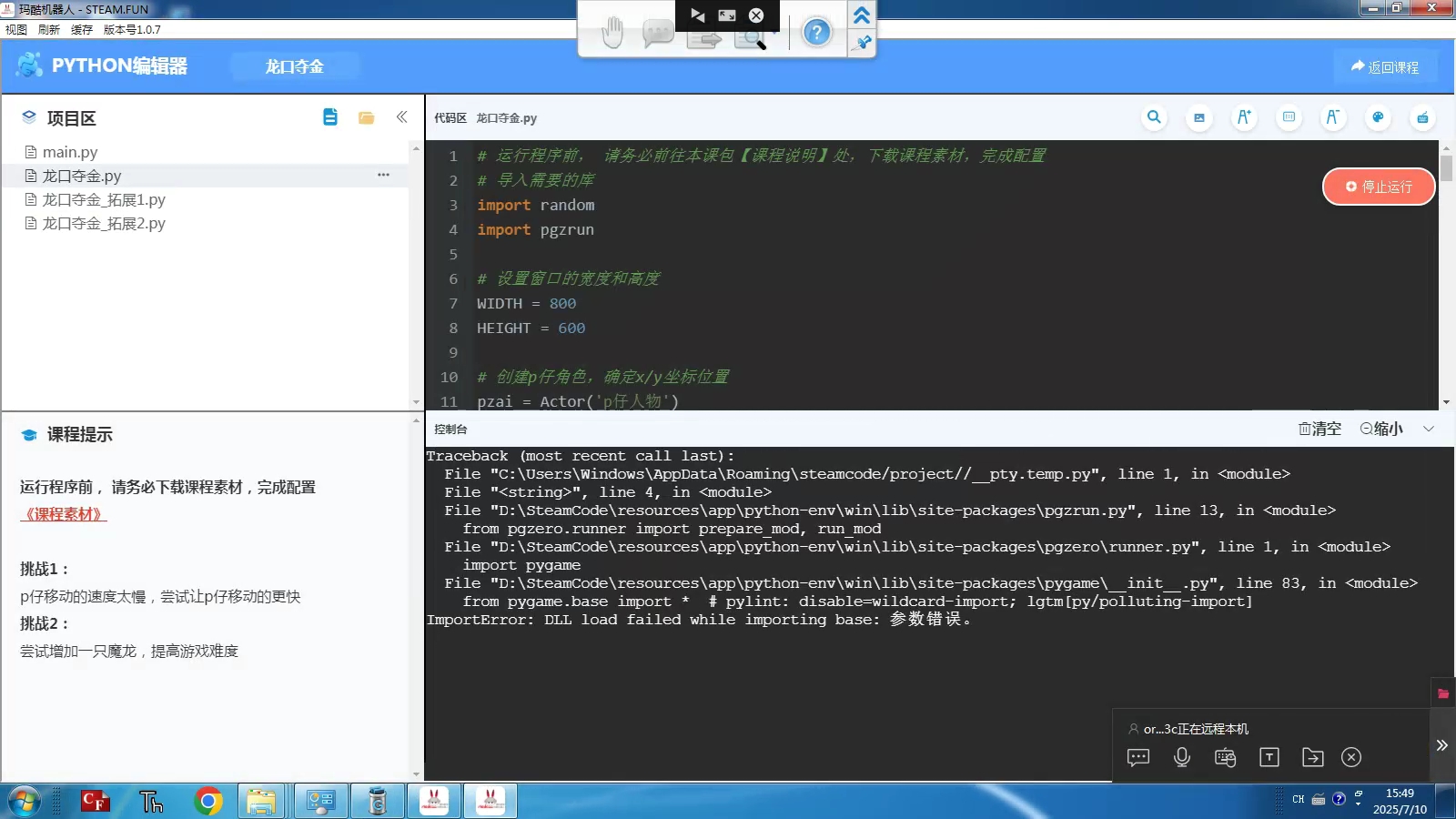
Traceback (most recent call last):
File "C:\Users\พindows\AppData\Roaming\steamcode/prroject//_pty.temp.py", line 1, in <module>
File "<string>", line 4, in <module>
File "D:\SteamCode\resources\app\python-env\win\lib\site-packages\pgzrun.py", line 13, in <module>
from pgzero.runner import prepare mod, run mod
File "D:\SteamCode\resources\app/python-env\win\lib\'site-packages\pgzero\runner.py", line 1, in <modulLe>
import pygame
File "D:\SteamCode\resources\app/python-env\win\lib\sitte-packages\pygame\_init_.py", line 83, in <module>
from pygame.base import * # pylint: disable=wildcaard-import; lgtm[py/polluting-import]
ImportError: DLL load failed while importing base:参数错误。
此时尝试安装官方版本的Python时,提示如下图:
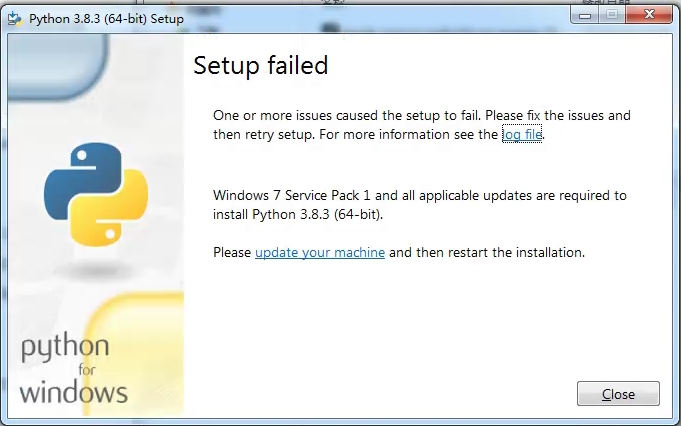
Setup failed
One or more issues caused the setup to fail.Please fix the issues and
thenretry setup.Formoreinformationseetheogfile.
Windows 7ServicePack1 and all applicable updates are required to
installPython 3.8.3 (64-bit).
Please update your machine and then restart the installation.
解决方法:
windows7升级SP1补丁包64位
Windows安全更新程序(KB4474419)
windows7升级SP1补丁包 64位_6.1.7601.17514.msu点击下载
下载至电脑桌面上,右键安装即可解决此问题。
最近修改: 2025-07-10
大纲